
Tutorial Overview
Code2prompt features a fully interactive Terminal User Interface (TUI). This guide walks you through launching the TUI and mastering its five core tabs.
Tutorial Overview
Code2prompt features a fully interactive Terminal User Interface (TUI). This guide walks you through launching the TUI and mastering its five core tabs.
To open the interactive interface, simply append the --tui flag to your command alongside your project path:
code2prompt path/to/your/codebase --tuiThe Selection tab is where you curate the exact context you want to send to the LLM. It displays a hierarchical view of your project, respecting your .gitignore and .c2pconfig rules.
↑ / ↓ to move the cursor, and ← / → to expand or collapse directories.Space to select or deselect a file or an entire directory.s or / to enter Search Mode.*, ?) to instantly filter the tree.Enter or Esc to exit Search Mode and return to normal navigation.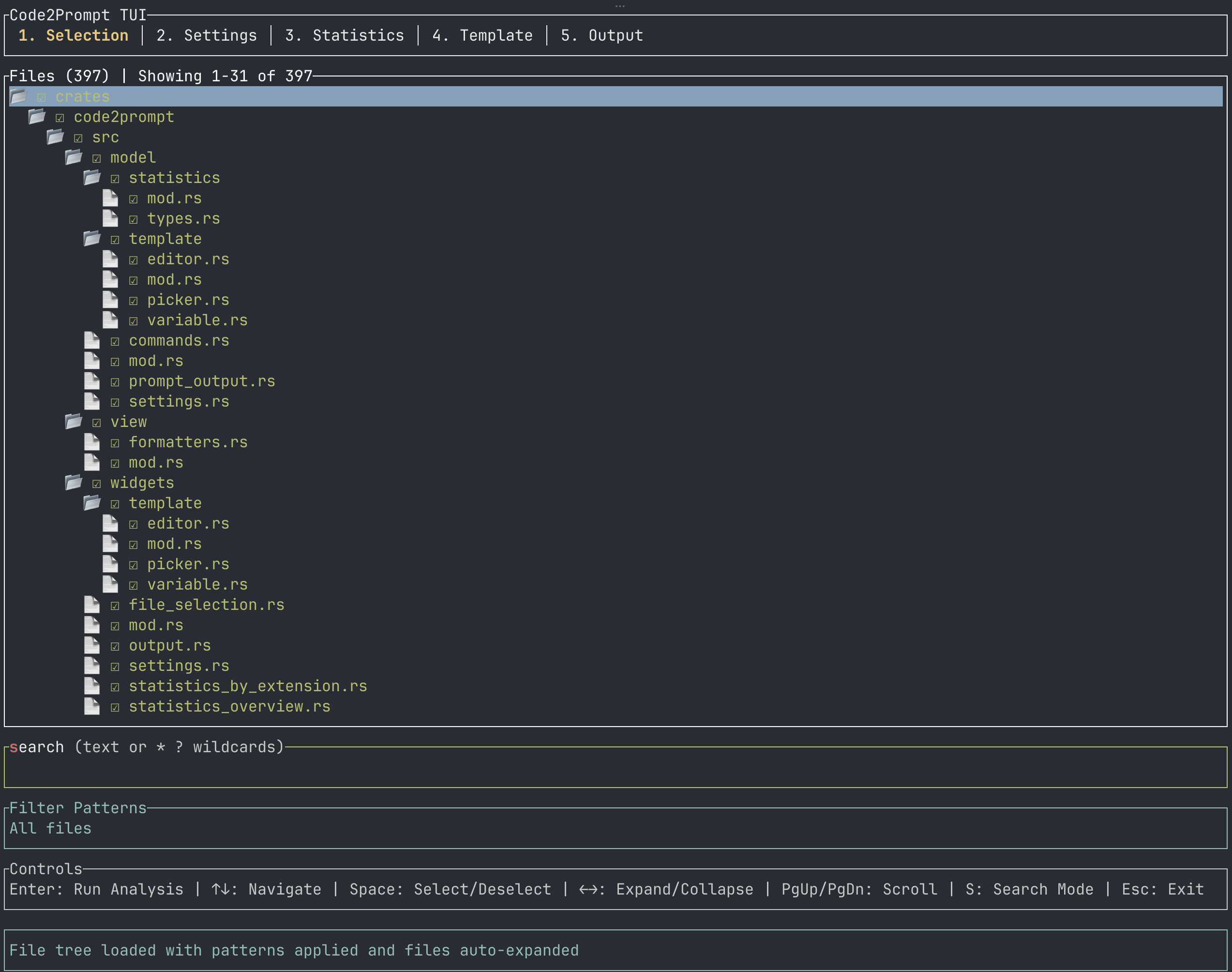
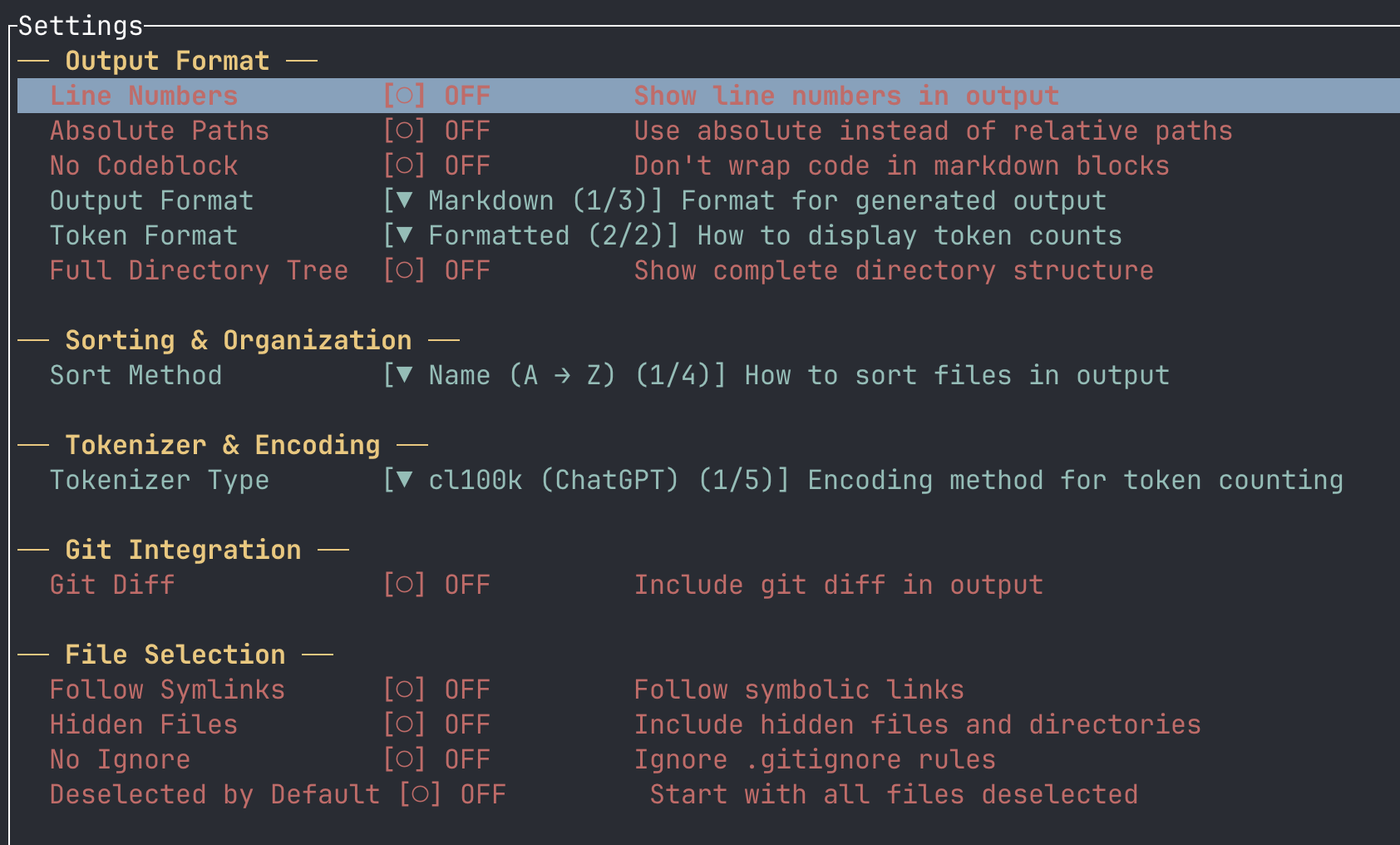
Need to tweak how the output is formatted before generating? The Settings tab gives you visual checkboxes and dropdowns for your active session.
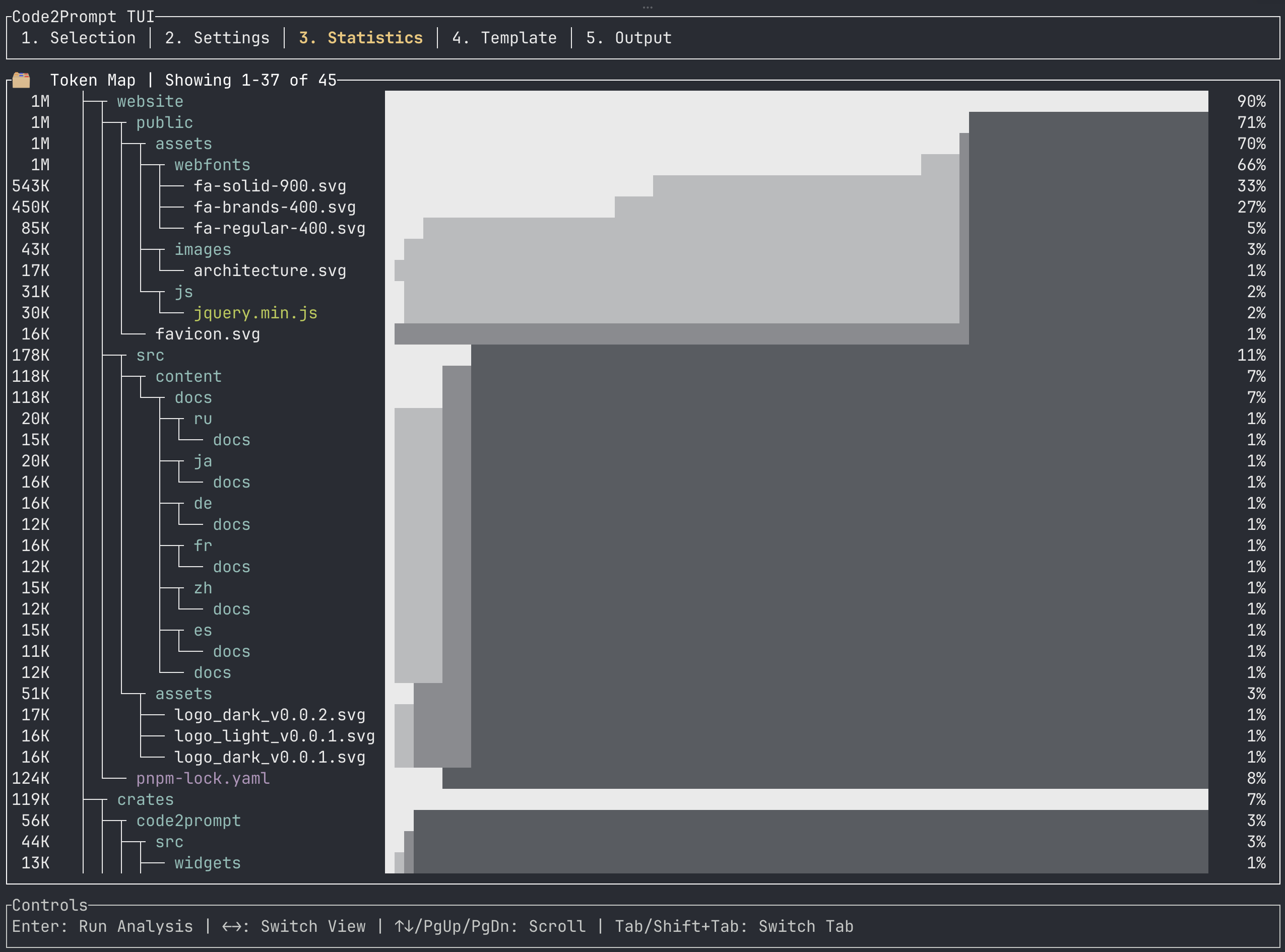
Before you spend money sending a massive prompt to an LLM, use the Statistics tab to understand your token budget.
Use ← / → to switch between three powerful views:
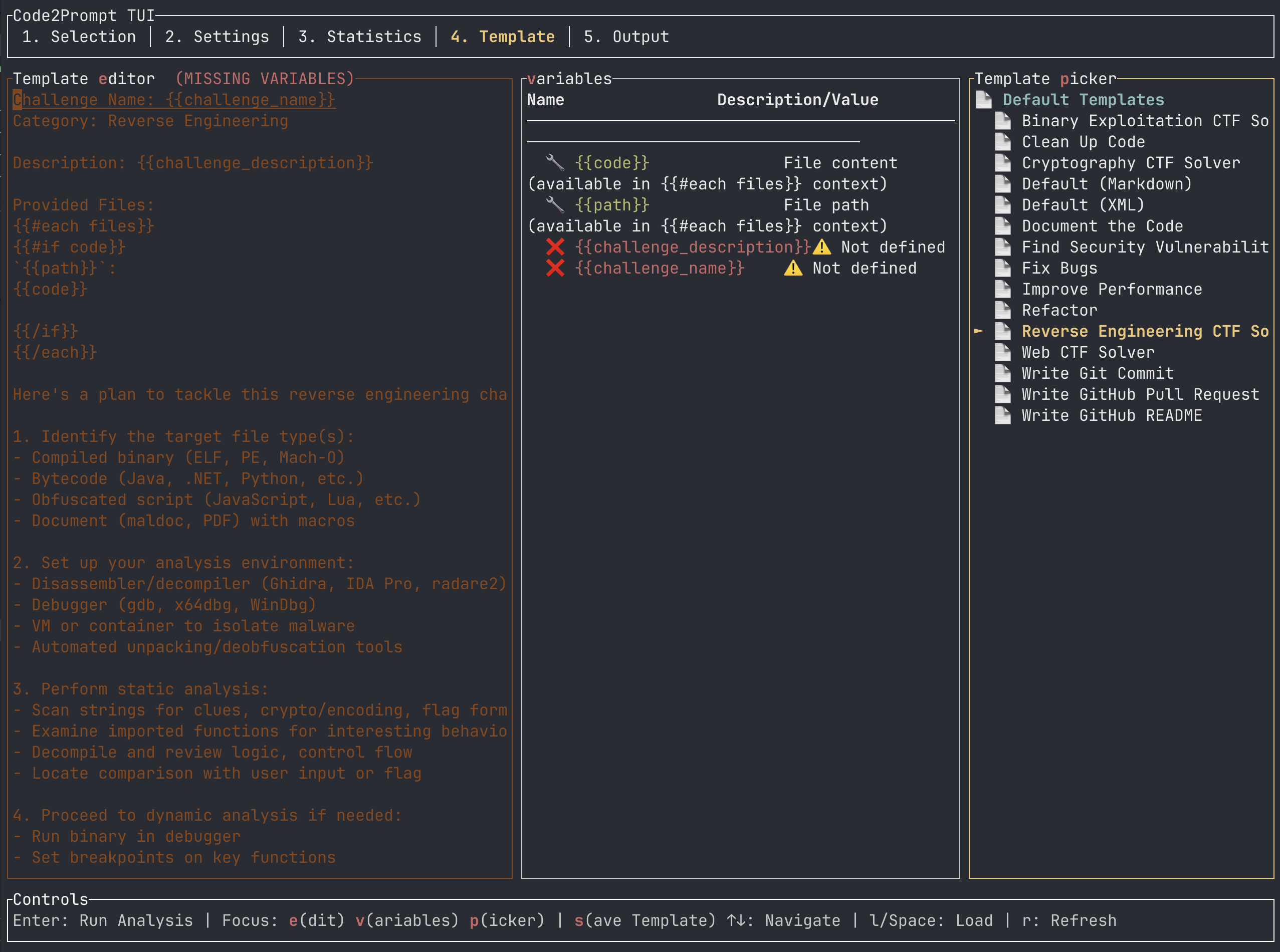
The Template tab is where the magic happens. It features a responsive multi-column layout to help you craft the perfect Handlebars template.
When you are in the Template tab, you can instantly snap your focus between three sub-panels using keyboard shortcuts:
Once you’ve selected your files, tweaked your settings, and chosen your template, press Enter to generate the final output.
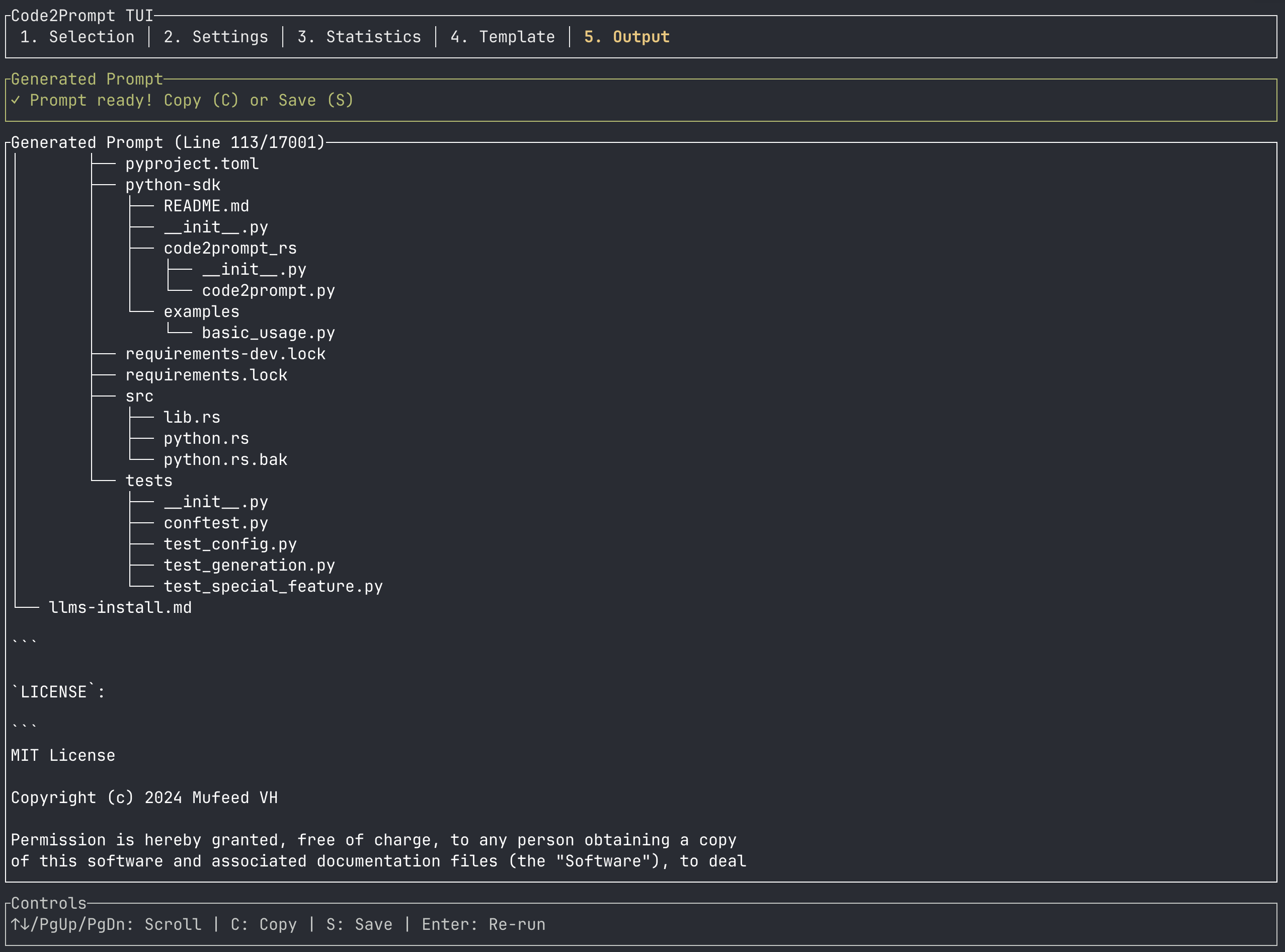
The Output tab displays the final prompt exactly as it will be sent to the LLM.
↑ / ↓, PgUp, or PgDn to review the generated text.c to instantly copy the entire prompt to your system clipboard.s to save the prompt directly to a local Markdown file (e.g., prompt_20260613_204753.md).If you realize you missed a file, simply press 1 to jump back to the Selection tab, check the file, and press Enter to regenerate the output in real-time.